 Pikuro
From camera roll chaos to a finished video.
Swipe through your photos, keep the best shot of every series, and free up storage. Then collect the good ones in an album and find a CapCut template with exactly as many clips.
- Free
- No ads
- No account
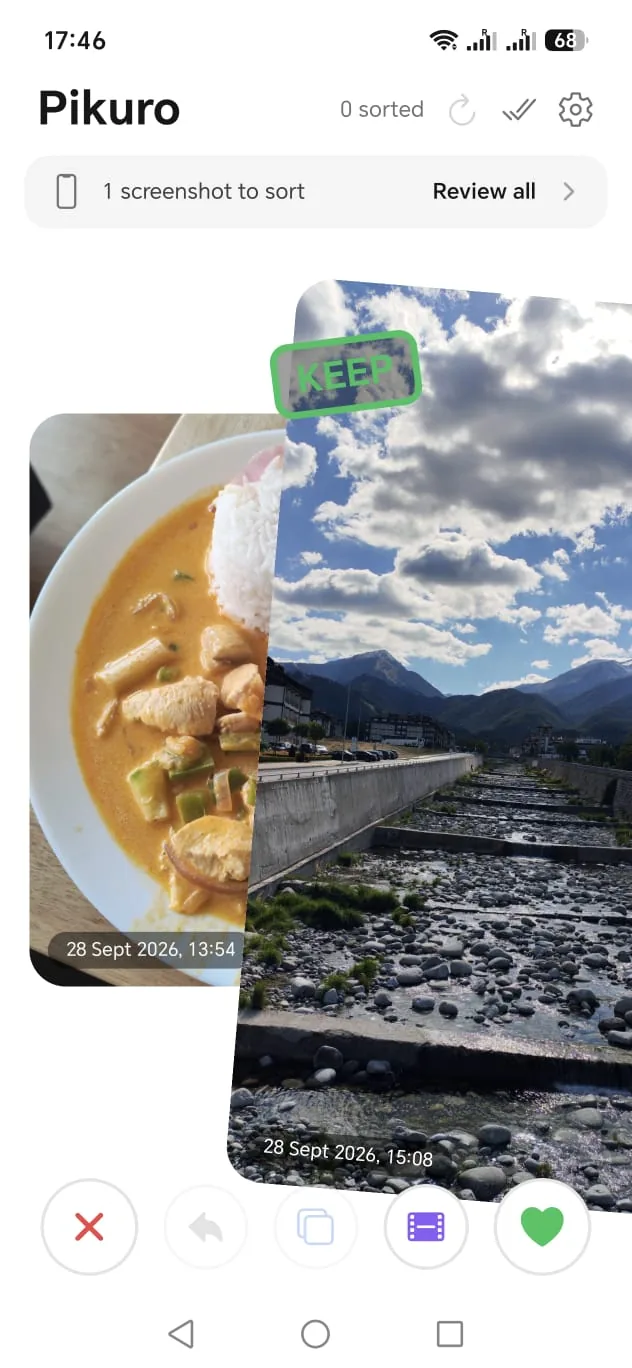
One swipe per photo
Nothing gets deleted while you sort. Pikuro only marks, and you decide at the end.
-
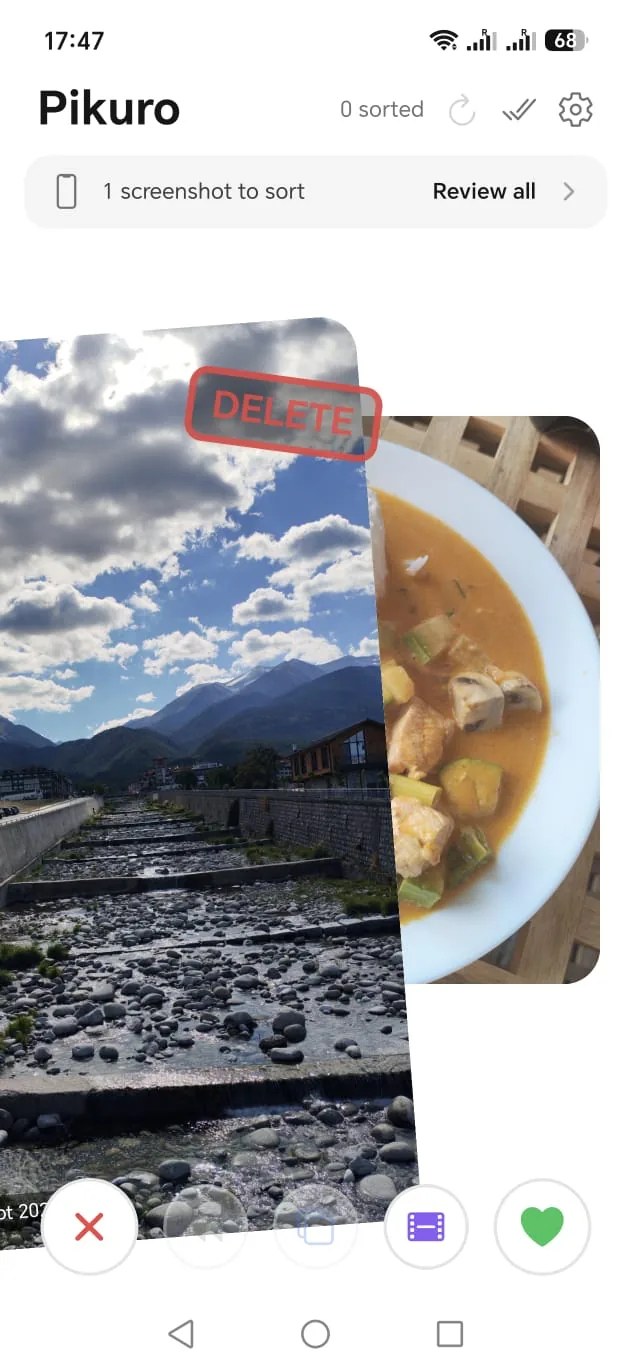
Swipe
Newest first, photos and videos. Undo if you change your mind.
- ← delete
- → keep
- ↑ into album
-
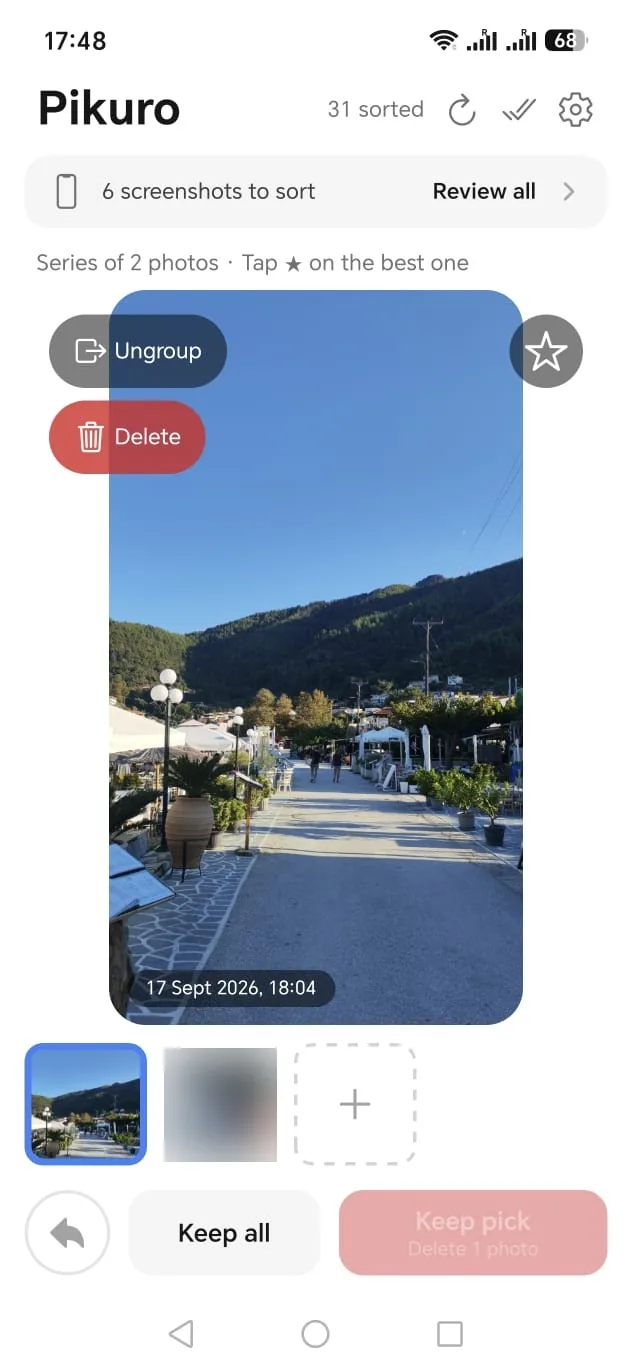
Pick the best
Ten shots of the same view? Pikuro spots the series. Star your favorite and clear the rest in one tap.
-
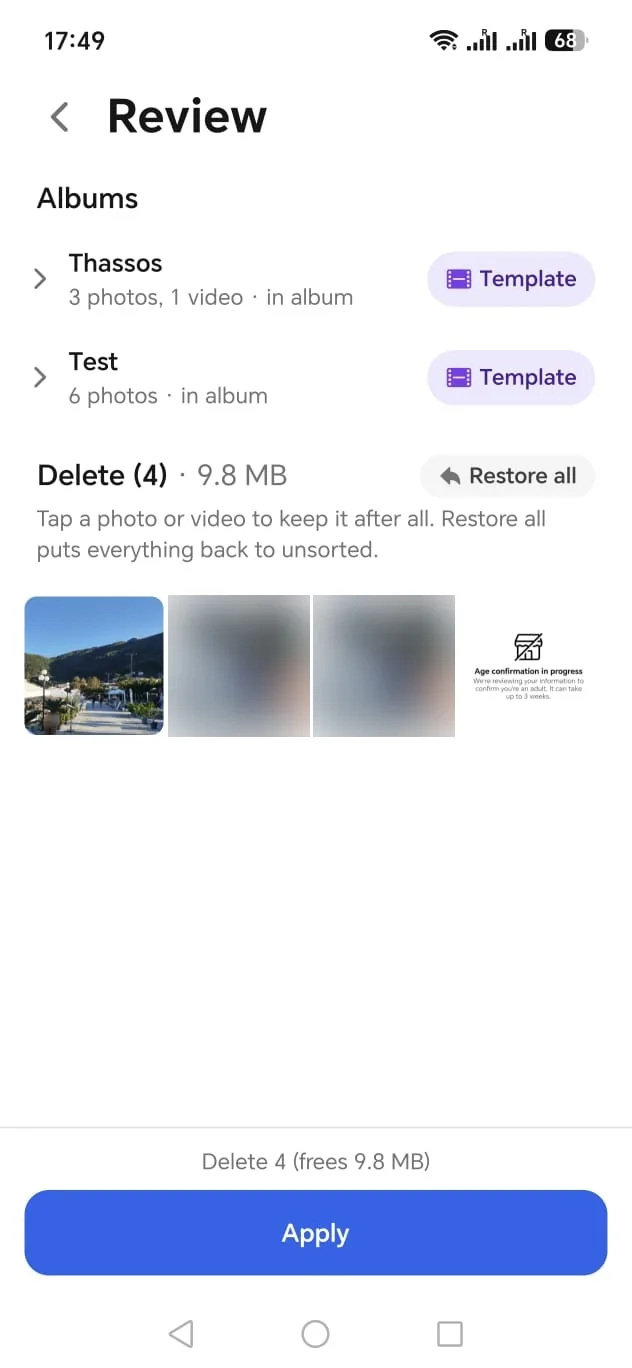
Review & apply
See everything that will be deleted and rescue anything with a tap. Then apply once.
The right template for your album
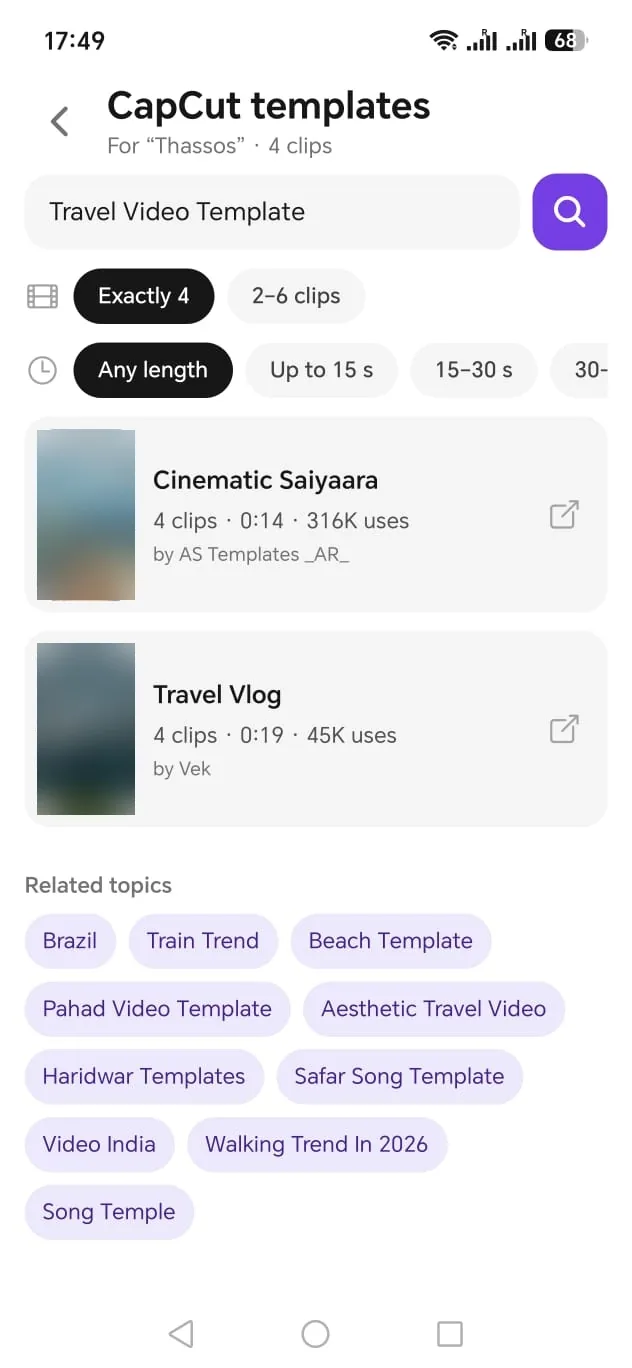
Searching CapCut for a template that fits your clips is trial and error. Pikuro knows how many photos and videos your album has, and only shows templates that match.
- Exactly as many clips as your album, or ±2
- Filter by length: up to 15 s, 15–30 s and more
- Topic comes from your album name
- Tap a template to open it in CapCut
Phone full again?
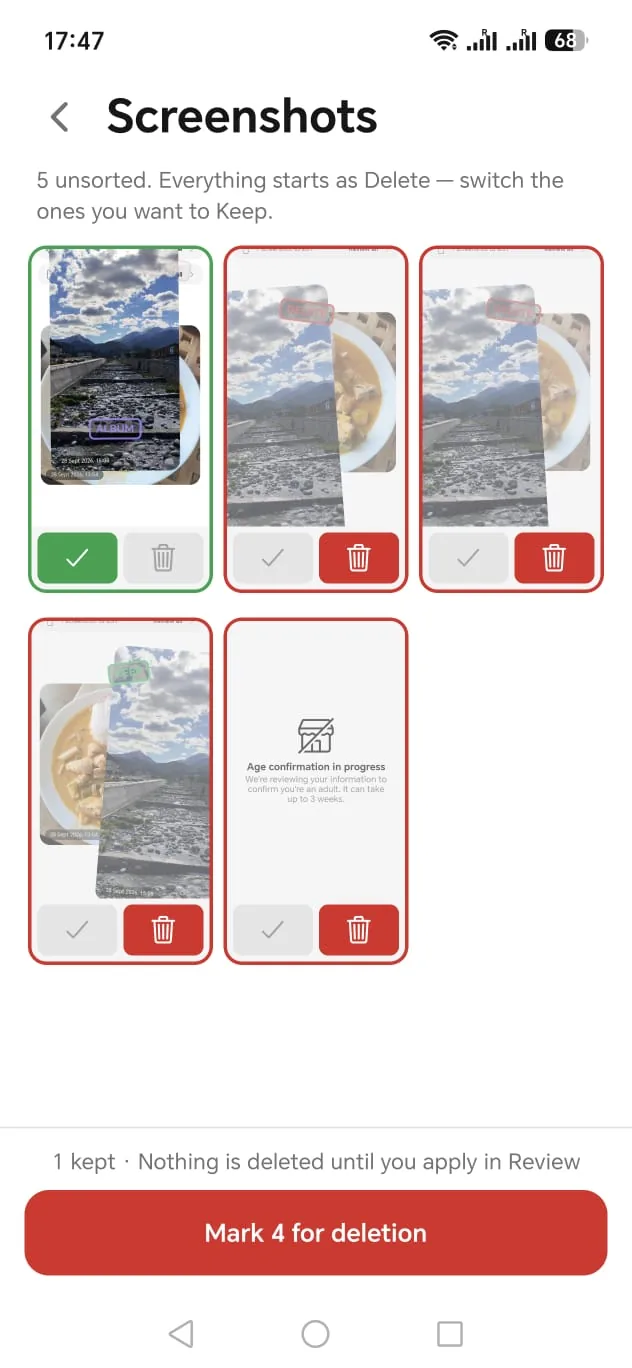
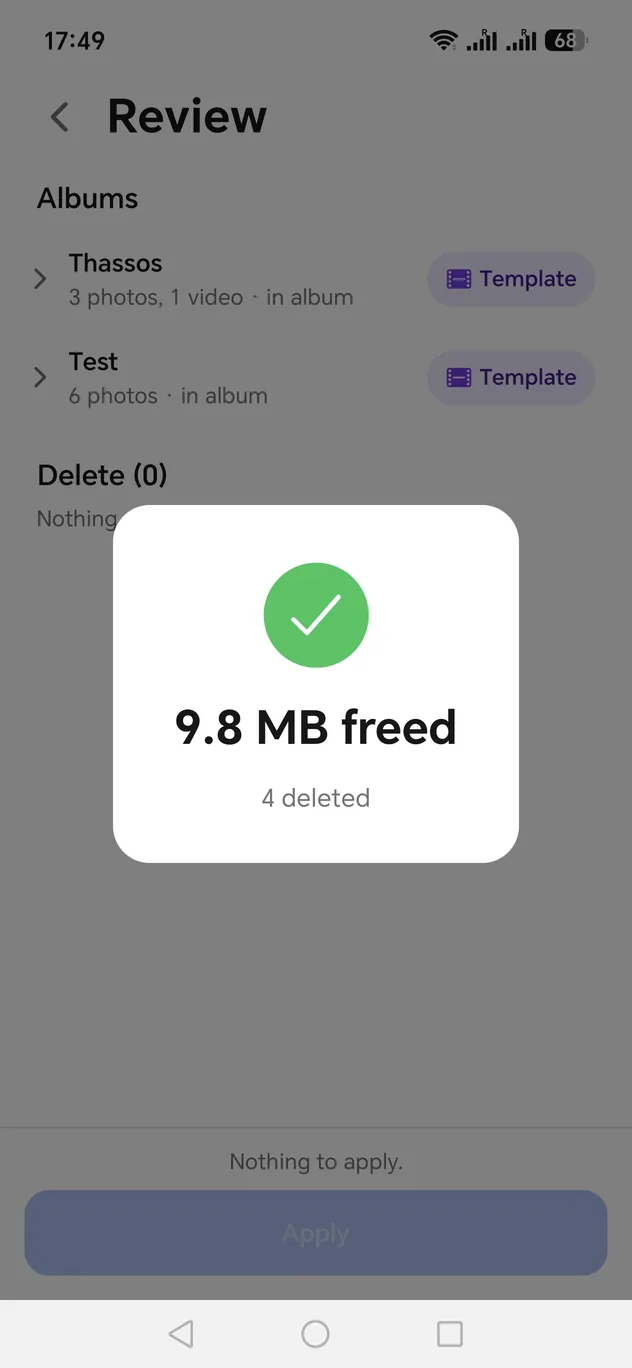
Before you pay for more cloud storage: most of it is duplicates, series and old screenshots. Pikuro clears them fast, with screenshots collected in one grid, and shows you exactly how much space you got back.
-
Nothing happens without you
Swiping only marks. Deleting and copying into albums happen when you apply, after a full review.
-
Photos stay on your phone
No upload, no cloud. The template search only sends a topic and a clip count.
-
Free. Really.
No ads, no subscription, no account. A side project, not a sales funnel.
Try Pikuro before everyone else
Pikuro is in testing on Google Play. Send me the email of your Google account and I'll add you. Updates then arrive automatically.
Get early accessAndroid only for now. iPhone is planned.